Choosing between single-mode and multimode fiber is not simply a question of which cable is “better.” The correct choice depends on link distance, Ethernet speed, optical transceivers, existing infrastructure, upgrade plans, and the total cost of the complete channel.
For most telecom, FTTH, campus backbone, and long outdoor links, single-mode fiber is the normal choice because it supports longer reach and avoids modal dispersion. Multimode fiber remains practical for short data-center and enterprise links where compatible short-reach optics can reduce the cost of a high-volume deployment.
The most important rule is simple: select the transmission application and optics first, then specify the matching fiber and connectivity. A cable described only as “fiber optic” is not enough for an accurate quotation or a reliable installation.
Single-mode vs multimode fiber: quick comparison
| Item | Single-mode fiber | Multimode fiber |
|---|---|---|
| Common fiber categories | OS1, OS2 | OM1, OM2, OM3, OM4, OM5 |
| Typical core size | About 9 µm | 50 µm or legacy 62.5 µm |
| Light propagation | One principal mode | Multiple modes |
| Dispersion concern | No modal dispersion; chromatic dispersion still matters | Modal and chromatic dispersion |
| Typical deployment fit | FTTH, telecom access, campus backbone, metro and long outdoor links | Short enterprise and data-center links |
| Common optical sources | Laser-based single-mode optics | LED or VCSEL-based multimode optics, depending on fiber generation |
| Reach | Usually the longer-reach option | Application reach becomes shorter as speed increases |
| Cost decision | Often higher optical-module cost, but strong upgrade flexibility | Short-reach optics can be economical when deployed at scale |
This table is a planning summary, not a substitute for a transceiver data sheet. Supported reach always depends on the exact optical interface, data rate, fiber category, connector count, splice loss, and channel design.
1. Core size and light path
The physical difference begins inside the glass. According to the Fiber Optic Association, a typical single-mode core is about 9 micrometers in diameter, while common multimode cores are 50 or 62.5 micrometers. Both commonly use 125-micrometer cladding, so the outside glass dimension does not tell a buyer which transmission type is inside.
The smaller single-mode core supports one principal light path. This removes differential mode delay, the effect created when different modes arrive at the receiver at different times. Multimode fiber carries several light paths through its larger core. Modern graded-index multimode fiber controls these paths much better than early designs, but modal dispersion still limits bandwidth over distance.
This is why single-mode fiber can support long links, while multimode performance must always be evaluated as a combination of speed and reach.
2. OS1 and OS2 versus OM1, OM2, OM3, OM4, and OM5
“Single-mode” and “multimode” are only the first level of specification. Buyers must also identify the fiber category.
Single-mode categories
OS1 and OS2 are cabling designations associated with single-mode fiber. For new outdoor, access, and long-distance projects, OS2 is commonly considered because of its low attenuation and broad wavelength suitability. However, a quotation should also state the required fiber standard or fiber type, such as the applicable G.652 or G.657 category, rather than relying only on the word OS2.
Multimode categories
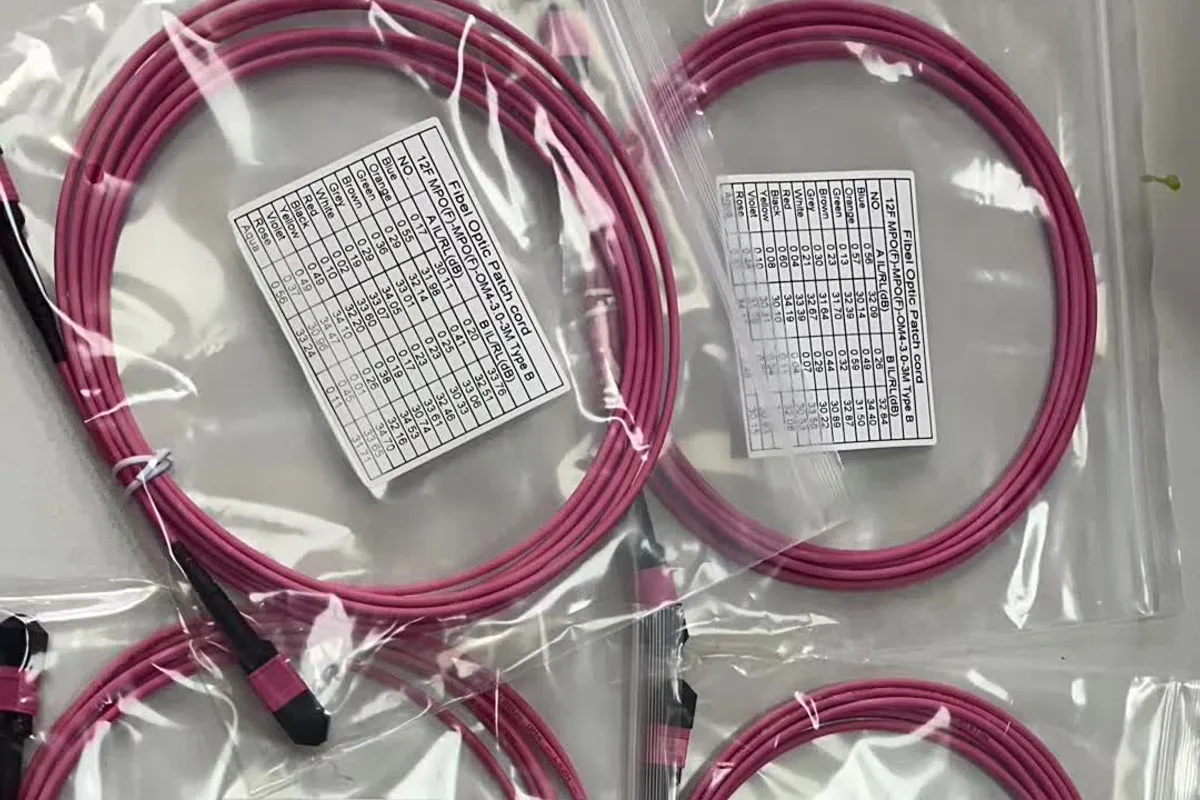
OM1 uses a 62.5-micrometer core and is mainly found in legacy installations. OM2, OM3, OM4, and OM5 use a 50-micrometer core, but their bandwidth specifications and supported applications differ. OM3 and OM4 are laser-optimized multimode fibers widely associated with data-center links. OM5 is wideband multimode fiber designed to support operation over a wider wavelength range.
OM5 should not be treated as an automatic upgrade for every OM4 link. Cisco explains that many multimode transceivers operate at a single 850 nm wavelength and therefore receive no reach benefit from OM5. The application and transceiver must be checked before paying for a different fiber category.
3. Distance and data rate
Searches for “single-mode vs multimode distance” often produce one fixed distance for each fiber. That shortcut can cause purchasing errors.
Multimode reach normally decreases as the data rate rises because modal dispersion becomes more restrictive. Single-mode fiber is used for much longer links, but its actual reach is still determined by the chosen optics and link budget. There is no responsible universal statement such as “all OM4 supports X meters” without naming the Ethernet interface and transceiver.
For example, Cisco specifies 40GBASE-SR4 reach of 100 meters on OM3 and 150 meters on OM4/OM5 for one family of modules. On the same official data sheet, 40GBASE-LR4 is specified for up to 10 kilometers over G.652 single-mode fiber. These are useful examples of the difference, but they are not universal limits for every 40G module.
Before ordering cable, record:
-
required data rate now and after the planned upgrade;
-
actual pathway length, not only the straight-line distance;
-
exact transceiver part number at both ends;
-
number of connectors, adapters, and splices;
-
the manufacturer’s supported fiber type and maximum channel reach.
If these inputs are not available, select the active equipment first or request confirmation from the network designer.
4. Bandwidth and dispersion
Single-mode fiber does not suffer from modal dispersion because it does not carry multiple principal modes. This gives it a major advantage for high-capacity transmission over long distances. It is still affected by attenuation and chromatic dispersion, so long links require proper optical engineering rather than assuming the glass has unlimited reach.
Multimode fiber carries multiple paths that travel slightly different distances through the core. Fluke Networks identifies differential mode delay as the main bandwidth-limiting factor for multimode fiber. Laser-optimized graded-index designs reduce this effect, which is why OM3 and OM4 support much higher-speed applications than legacy OM1.
For a buyer, the practical lesson is not that multimode is “slow.” Multimode can support very high data rates over appropriately short links. The limitation is the distance available at a particular data rate and optical interface.
5. Wavelengths and optical transceivers
The fiber and transceiver form one transmission system. A single-mode patch cord does not convert a multimode optical port into a long-distance port, and a multimode cable cannot compensate for incompatible single-mode optics.
Single-mode Ethernet optics commonly operate around 1310 nm or other wavelengths selected for the transmission system. Many multimode short-reach optics operate around 850 nm using VCSEL sources. Exact wavelengths and launch conditions come from the module data sheet, not from the cable jacket.
When preparing an RFQ, specify the equipment interface—for example, the exact SFP, SFP+, QSFP, or other module—along with the fiber category. This prevents a purchasing team from ordering the correct connector shape but the wrong optical fiber.
6. Cable and system cost
The old buying rule said multimode was cheaper and single-mode was more expensive. That is too simple for current projects.
The cable price is only one component. A complete comparison includes:
-
fiber cable or trunk assembly;
-
optical transceivers at both ends;
-
connector type and fiber count;
-
patch panels, adapters, cassettes, and patch cords;
-
testing equipment and technician capability;
-
expected upgrades during the cable’s service life;
-
replacement cost if the installed medium cannot support the next application.
Multimode short-reach optics can still offer attractive economics when a data center needs thousands of short server or switch links. Single-mode may provide better lifecycle flexibility for a campus backbone, an uncertain pathway length, or infrastructure expected to support several generations of equipment.
Do not decide from cable price per meter alone. Ask suppliers to quote the complete passive channel, while the engineering team compares the total link cost with the required optics.
7. Connectors, color, and inspection
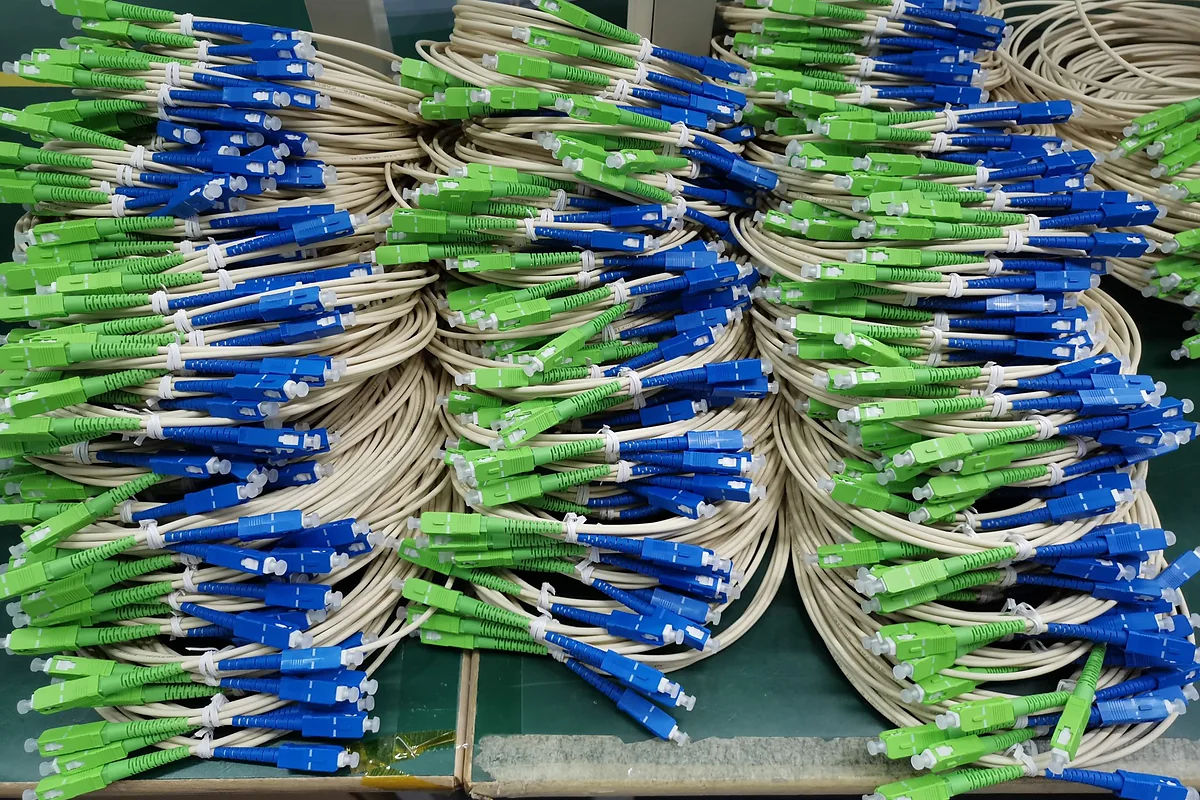
LC, SC, and MPO connector families can be used with different fiber types. The connector name therefore does not prove whether a cable is single-mode or multimode. Polish type, end-face geometry, connector keying, polarity, and fiber category must all match the application.
Jacket and connector colors can help with identification, but they should not be the final acceptance method. Custom colors, older installations, and mixed inventories can make visual identification unreliable. Confirm the printed cable legend, product label, packing list, and test report.
Single-mode’s smaller core also requires tight alignment and clean connector end faces. The FOA’s single-mode termination guidance notes that scratches and alignment errors become especially critical with the smaller core. In practice, both systems should follow inspect-clean-inspect procedures before connection.
For patch-cord purchasing details beyond fiber type, use the NetLast guide on how to choose a fiber optic patch cord.
8. Compatibility and upgrade planning
Single-mode and multimode components should not be directly mixed in a normal optical channel. Even when the connectors physically mate, core size, launch conditions, wavelengths, and transceiver design are different. A physical connection is not proof of optical compatibility.
When extending an existing network, first identify:
-
installed fiber category and fiber count;
-
connector type and polish;
-
current transceiver model and wavelength;
-
measured loss and available optical budget;
-
target speed and future migration plan.
If equipment must connect between different media types, use properly selected active conversion equipment rather than an improvised hybrid cable.
Existing multimode infrastructure should not automatically be replaced. If testing confirms that the installed OM3 or OM4 channel supports the required application, reuse may be economically sensible. Likewise, choosing single-mode for every very short link is not automatically the lowest-cost answer when a large installed base of multimode optics already exists.
Which fiber should you choose?
Choose single-mode when
-
the project is FTTH, telecom access, metro, long campus backbone, or outdoor inter-building connectivity;
-
the route is long or may become longer after final pathway measurement;
-
the network requires long-reach optical modules;
-
future speed and wavelength upgrades are a major design concern;
-
the passive cable is expected to remain while active equipment changes.
For cable-environment decisions such as jacket, water blocking, armor, and fire performance, also review indoor vs outdoor fiber optic cable. Fiber mode and cable construction are separate specifications.
Choose multimode when
-
all links are short and remain within the selected transceiver’s supported reach;
-
the network uses compatible multimode short-reach optics;
-
many ports make optical-module cost an important system factor;
-
an existing tested OM3, OM4, or OM5 infrastructure can be reused;
-
the upgrade roadmap has been checked against the installed fiber category.
For parallel-optics projects, connector format and fiber mapping must also be specified. See MTP vs MPO when ordering fiber cables and the NetLast explanation of MPO polarity methods A, B, and C.
RFQ checklist for single-mode or multimode cable
A clear request for quotation should include:
-
single-mode or multimode fiber category;
-
applicable fiber standard required by the project;
-
indoor, outdoor, indoor/outdoor, duct, direct-buried, aerial, or other route;
-
fiber count and spare-fiber requirement;
-
cable construction, armor, strength member, and water blocking;
-
connector family, polish, gender, and polarity where applicable;
-
cable length and length tolerance;
-
transceiver type, wavelength, data rate, and required reach;
-
insertion-loss, return-loss, and test-report requirements;
-
fire, environmental, or project compliance requirements supported by documentation;
-
packaging, labeling, drum length, and delivery schedule.
This information helps the supplier quote the correct construction instead of guessing from “single-mode cable” or “multimode patch cord” alone.
Discuss your fiber-cable specification with NetLast
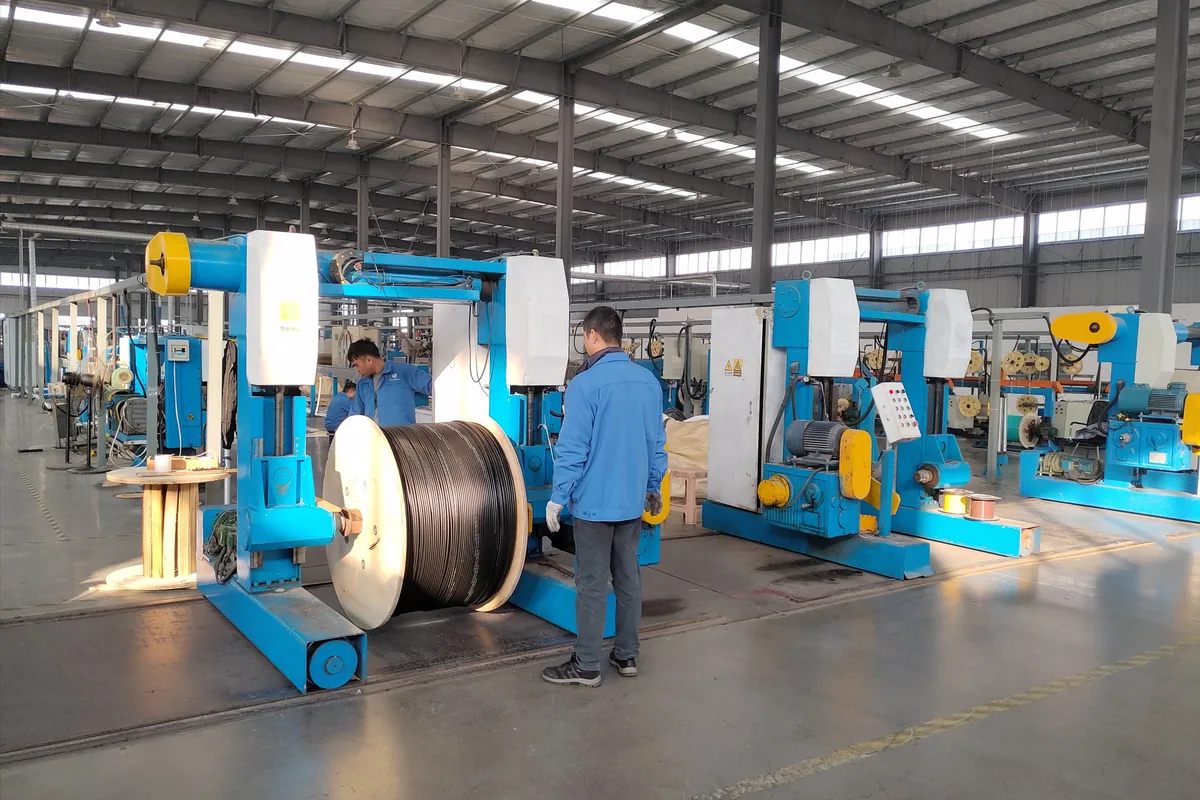
NetLast supports B2B sourcing for fiber optic cables, patch cords, MPO/MTP assemblies, and related passive connectivity. Send your route, link length, equipment interface, fiber count, connector requirements, and target delivery schedule. The team can review the requested configuration and help consolidate related items into one project quotation.
FAQs
Is single-mode fiber better than multimode fiber?
Not in every application. Single-mode is the stronger choice for long reach and broad upgrade flexibility. Multimode can be economical for high volumes of short data-center or enterprise links using compatible short-reach optics.
Can single-mode and multimode fiber be connected together?
They should not be directly mixed in a normal passive channel. Different core sizes and optical launch conditions can create severe loss or unstable performance. Use matching fiber and optics, or an engineered active media-conversion solution.
Is OS2 the same as single-mode fiber?
OS2 is a cabling designation associated with low-attenuation single-mode fiber. A complete specification should still identify the required fiber standard, cable construction, and application.
Is OM4 always better than OM3?
OM4 has higher specified modal bandwidth, but value depends on the target Ethernet interface, required reach, and optics. If OM3 already supports the application, OM4 is not automatically necessary. Verify the module data sheet and upgrade plan.
Can the same LC or SC connector be used for both fiber types?
LC and SC connector families exist for both single-mode and multimode fiber, but the finished assemblies are not interchangeable simply because the connector shape matches. Fiber type, polish, end-face quality, and transceivers must all be compatible.
How can I identify installed single-mode or multimode fiber?
Check the cable printing, product label, as-built records, test report, and connected optical modules. Jacket color alone is not sufficient for final identification.